
Today, we bring you the guide on how to automate obtaining data for NRUA in PMS. With the entry into force of Order VAU/1560/2025
Get the data for NRUA with Booking.com
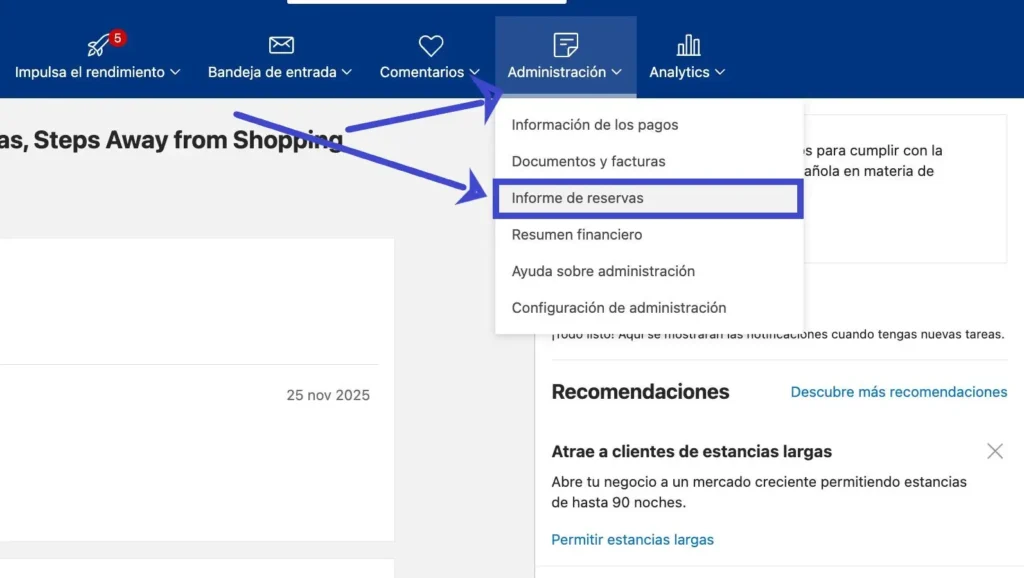
The first thing we should do is log into our Booking.com account through the following link. Once we have accessed it, we will have a menu on the left where we should select the “Administration” option and subsequently “Reservation report” in the dropdown list as we see in the following image:
Then, we will select the period from which we want to export the booking data and when we have the list in the filter at the bottom of the screen, we will select the option “download CSV” by first clicking “Download Report”:
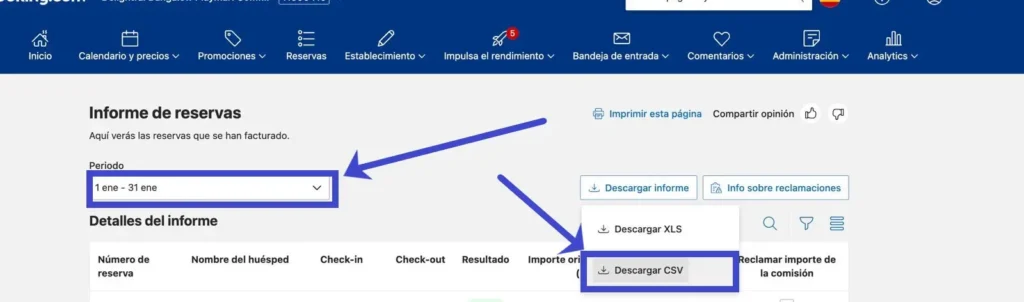
And we would already have a file in CSV format ready to import the data into the Travelers’ Register Platform to arrange them in a valid format for submission to the Property Registry Electronic Office
Get the data for NRUA with Airbnb
First, we must log into our Airbnb host account and select the option “View all bookings”:
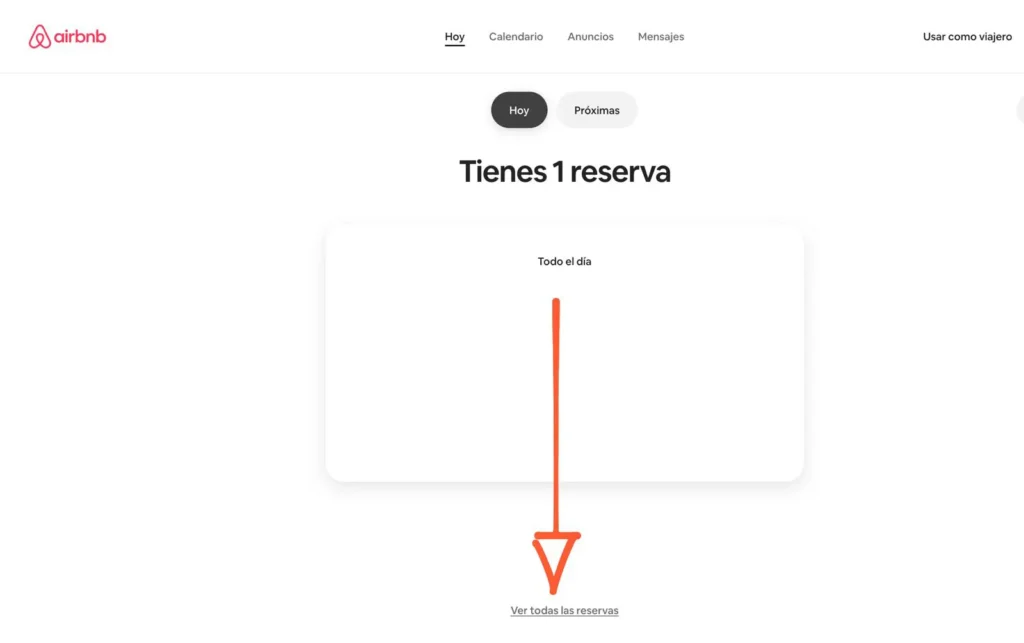
We will select the option “All reservations” from the menu and click on the option “Export” and within the dropdown the option “Download CSV file”:

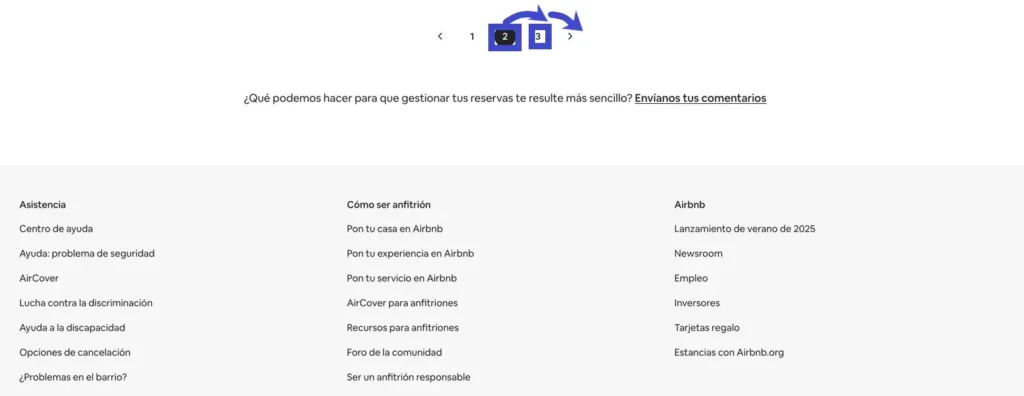
We will have to perform this process again with each of the booking pages:
We must collect the CSV files from each of the pages and go to the Parte Viajeros Registration Platform to convert them into a single file ready to import into the Property Registry.


